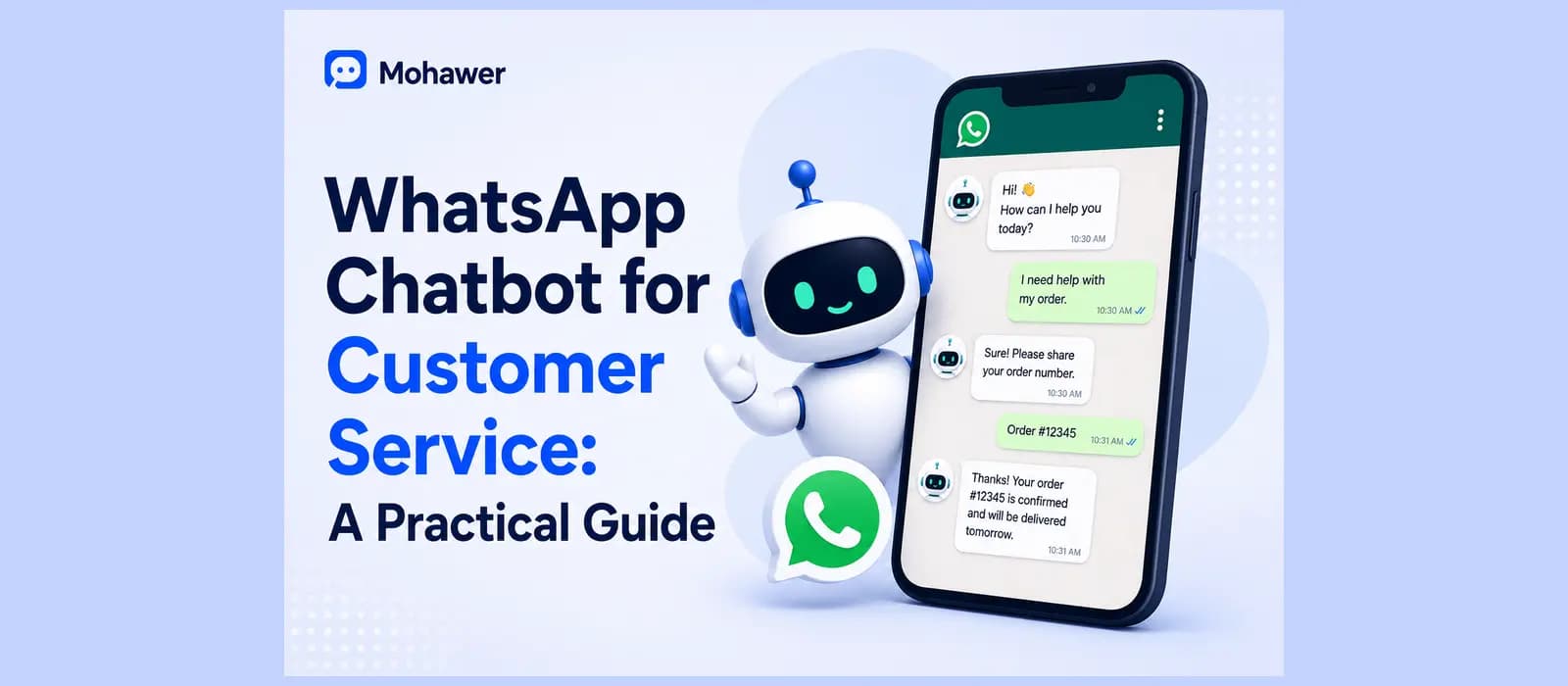
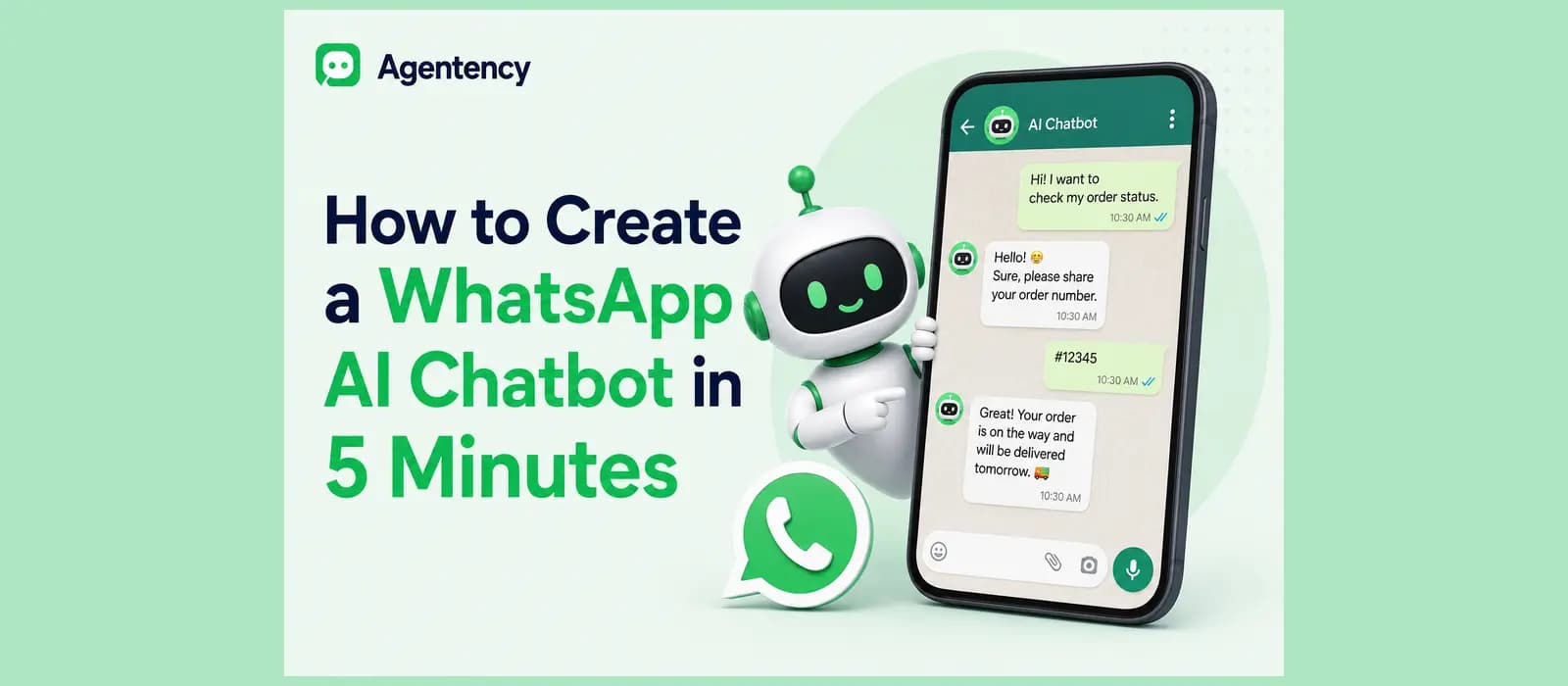
How to Create a WhatsApp AI Chatbot in 5 Minutes
There are two clocks running when you build a WhatsApp chatbot, and almost nobody mentions the second one. The first clock is the builder itself, the part where you connect a bot to your number and teach it what to say. That part really does take about five minutes, and every guide promising a five minute setup is telling the truth about this specific piece. The second clock is Meta approving your business to send messages at all, and that one runs on its own schedule. It does not care how ready you are.
If you already know how to create whatsapp chatbot on a technical level, skip ahead, you do not need us. If you do not, here is the version nobody puts in the title. The builder is the easy part. The waiting is the part that actually trips people up.
Most searches for how to create whatsapp chatbot are really two questions wearing one search bar. The first is technical: how does this actually connect. The second is practical: how long before a real customer can message this number and get a real answer. We are answering both, in that order, because getting this right the first time beats rebuilding it twice.
The Honest Timeline: Builder Versus Meta Approval
Setting up the actual chatbot flow, connecting it to a number, and testing your first reply takes about as long as everyone claims. Getting your business verified with Meta so that number can send messages at scale is a separate process, and it usually takes somewhere between a couple of days and about a week. Sometimes longer, if your business documents get flagged for a second look.
Knowing this before you start saves you from the worst part of any new tool, which is assuming something is broken when it is actually just waiting on someone else’s review queue. Anyone searching how to create whatsapp chatbot and expecting the whole thing done inside an afternoon is usually thinking of the builder step alone, and that expectation is fair for that specific piece. It just is not the full picture.
What You Need Before You Start
You need a verified business presence Meta can check against, a phone number that has never been linked to a personal WhatsApp account, and a rough idea of what you want the bot to actually do once it is live. That last part matters more than people think. A bot with no clear job tends to answer everything vaguely and nothing well.
Have your business documents ready before you start, not halfway through. A trade license or equivalent registration, a website or active social page that matches your business name exactly, and a person authorized to confirm all of it on Meta’s behalf. Half the delay people run into during verification is not Meta being slow, it is a business name on the application not quite matching the name on the website Meta checks against.
If you have not decided yet whether you even want a bot or something with more range, our guide on how to make a chatbot covers that decision from the start.
Ready to skip the setup theory and see a working WhatsApp agent in minutes? Start free with Agentency.
How WhatsApp Chatbots Actually Work
Before touching any builder, it helps to know what kind of bot you are actually building, because the phrase covers a wider range than most people realize.
Rule Based Versus AI Powered
A rule based WhatsApp chatbot matches a message to a keyword and returns a fixed reply. Type “hours” and it tells you the hours. Type “what time do you close” instead and it has no idea what you just said, because it was never taught that phrase specifically. An AI powered version reads the actual meaning behind the message, not just the exact words, so both versions of that question get the same correct answer.
Most people who search how to create whatsapp chatbot today, without realizing it, are specifically looking for the AI powered version. Rule based bots still exist and still work fine for a narrow menu of fixed options, but the moment a customer phrases something slightly differently than expected, the gap between the two becomes obvious fast.
This distinction is really the whole reason how does whatsapp chatbot work gets asked as often as it does. People assume every chatbot understands language the way a person does, and plenty of the ones still running out there simply do not. If a bot ever replies with something clearly off topic to a perfectly normal question, it is almost certainly the rule based kind hitting a keyword it was never given.
This is really the entire ai agent vs chatbot question in miniature, and we cover the fuller version of that distinction in our own breakdown of the difference if you want to go deeper before deciding which one you actually need.
Where “Free” Actually Stops Being Free
Nearly every platform advertises a free whatsapp chatbot option, and most of them are genuinely free for a small number of conversations a month. The honest number is usually somewhere between fifty and a few hundred conversations before a paid plan becomes necessary, and Meta itself charges per message once you go past the free service window tied to a customer’s last message. Knowing that ceiling before you build is cheaper than finding it by surprise on your first invoice.
The cost of whatsapp chatbot ownership is really two separate bills stacked on top of each other, the platform’s own fee once you outgrow the free tier, and whatever Meta charges per message outside that free window. Our own pricing page breaks down exactly where those lines sit, since the two costs get confused constantly and a lot of businesses budget for only one of them.
How to Set Up a WhatsApp Chatbot: The Real Steps
Here is what actually happens between deciding to set up a whatsapp chatbot and having one that responds to real customers.
Verify Your Business With Meta First
Start the Meta Business verification before you build anything else, since it runs on the longest clock of the whole process. You will need your business name, a working website or social presence, and someone authorized to confirm the business is real. Submit accurate details the first time. Mismatched business names between your website and your application are the single most common reason this step drags out longer than it should.
While that review is pending, this is a good moment to actually write down what your whatsapp business chatbot needs to handle on day one. Order status, shipping timelines, a return policy explained plainly. Keep the first list short. You can always teach it more once it is live and you can see what customers actually ask, rather than guessing in advance.
It also helps to gather any documents you might need again later, since Meta occasionally asks for the same verification a second time if your business details change, if you switch providers, or if you add a second number down the line. Keeping a folder with your registration documents and a screenshot of your verified business profile saves you from digging for the same paperwork twice.
Connect a No Code Builder to Your Number
Once verification is moving, pick a no code builder and connect it to your WhatsApp Business number. This is the actual five minute part everyone advertises, and for once the marketing matches reality. You upload what the bot should know, point it at your number, and send yourself a test message to confirm it replies.
Test it the way an actual customer would, not the way you already know the answer. Ask the same question three different ways, misspell something, ask two things in one message. A bot that only handles the version of the question you tested during setup will feel broken the first week it meets real customers, even though nothing about it changed. This is the step where most people learn how to create whatsapp chatbot the hard way, by watching it fail on a phrasing they never thought to test, rather than the easy way, by testing it properly the first time.
What the Developer Path Looks Like, and Why Most Stores Skip It
There is also a fully coded path, building directly against the WhatsApp Business API with your own backend, often through a provider like Twilio, or wiring things together yourself with a tool like n8n and a bit of Python. It gives you total control over every detail. It also means you are now maintaining a small piece of software instead of running a store. Most businesses that try this once end up back on a no code builder within a month, not because the code was hard, but because upkeep on something this small was never worth a developer’s ongoing attention.
There is a genuine, narrow case for the coded route. If your business already has an engineering team maintaining internal tools, and the WhatsApp bot needs to plug directly into systems no off the shelf builder supports, building it yourself makes sense. For almost everyone else, that is a lot of ongoing maintenance to take on for something a no code builder already does out of the box. A whatsapp chatbot for business rarely needs to be a custom engineering project. It needs to answer the same twenty questions correctly, every single time, without anyone remembering to maintain a server.
Curious what a no code setup actually looks like once it is connected to your real order data, not a demo? See Agentency’s integrations.
What to Actually Build First
Once the bot is connected, resist the urge to teach it everything at once. Start with the one task that already eats the most of your time.
The One Real Example: An Order Lookup That Works
For most stores, that task is order status. A customer messages asking where their order is, and a properly built bot pulls the actual order record and answers with a real status, not a generic “please allow five to seven business days” that was true of nothing specific. If your store runs on Salla or Zid, that means the bot is checking the same order data your own dashboard already shows, not guessing from a script written before the order even existed.
This single example is worth dwelling on because it is the clearest test of whether you actually learned how to create whatsapp chatbot properly or just connected a demo. A demo bot answers the sample question you typed during setup. A real one answers the actual order number a real customer sends, pulled from the actual system that order lives in.
Once that single task works reliably, expand from there. Shipping questions, return eligibility, a product question pulled from your actual catalog instead of a generic answer. The mistake most people make when they first learn how whatsapp chatbot works is assuming it needs to handle everything from day one. It does not. A bot that does three things correctly beats one that does thirty things approximately.
Where Handoff to a Person Fits In
No bot should try to be the last word on every conversation. When a request goes past what it can actually resolve, a well built handoff hands the conversation to a person with the full transcript attached, not a blank chat and an apology. We wrote a full breakdown of what that handoff needs to carry with it in our piece on chatbot to human handoff, since getting this part wrong undoes most of the goodwill the bot built up in the first place.
This is also where the difference between a bot built from a template and one you actually configured for your own store shows up fastest. A whatsapp business chatbot that was never taught what your team can and cannot resolve on its own will either escalate everything, which defeats the point, or escalate nothing, which is worse.
How Agentency Handles Creating a WhatsApp Chatbot
We get some version of how to create whatsapp chatbot questions constantly from people setting up their first agent, and the honest answer is that we built the no code part to actually take the five minutes it claims, once your Meta verification has already cleared.
Plenty of businesses come to us after already trying to build whatsapp chatbot from scratch through the coded route, and deciding it was not worth the ongoing upkeep. Others come straight from deciding they want an ai chatbot for whatsapp without wanting to touch code at all. Both paths land in the same place.
The No Code Builder and Call Actions
Agentency’s setup wizard walks through connecting your knowledge and your channels without touching code, and WhatsApp is one of the ten messaging channels it supports directly, alongside the website widget and a hosted chat link. Once connected, the actual work happens through Call Actions, real, model invoked tools the agent can trigger mid conversation: looking up an order and checking its status, tracking a shipment, creating or updating a support ticket, booking a meeting, or handing the conversation to a person with full context attached.
None of that is a script pretending to be smart. Each of those actions is a genuine call to a connected system, which is the actual difference between a whatsapp chatbot that can tell a customer their order shipped and one that can only recite a policy about shipping in general.
Working note for internal review, to be removed before this goes live: whether Agentency’s onboarding assists directly with Meta Business verification itself, or only begins once verification has already cleared, needs direct confirmation before this section states it either way.
If you have already got Meta verification sorted and just need the bot itself built properly, this is the part that actually takes five minutes. Start free with Agentency.
Key Takeaways
- Building the actual chatbot takes about five minutes. Getting Meta’s business verification cleared usually takes longer, and knowing that upfront saves a lot of confused waiting.
- Rule based bots match keywords. AI powered bots understand meaning. Most people searching for how to create whatsapp chatbot actually want the second kind.
- Free plans are real but capped, usually somewhere between fifty and a few hundred conversations before a paid tier kicks in.
- Start with one task the bot can actually finish, like a real order lookup, rather than trying to teach it everything on day one.
- A good handoff carries the full conversation to a person. A bad one starts the customer over from nothing.
Frequently asked questions
How do I create a WhatsApp chatbot for free?
A whatsapp chatbot free plan is genuinely available on most no code platforms, and it covers a limited number of conversations a month, typically somewhere between fifty and a few hundred, which is enough to test whether a bot actually helps before paying for anything. Create whatsapp chatbot free trials work the same way, they are real access, just capped by volume rather than time.
How does a WhatsApp chatbot actually work?
It connects to your WhatsApp Business number through an approved provider, then either matches messages to fixed rules or, in the AI powered versions, understands the intent behind a message and responds using your own business information.
How much does a WhatsApp chatbot cost?
Most builders charge based on conversation volume once you pass a free tier, and separately, Meta charges per message once a conversation falls outside the free service window tied to the customer’s last message.
Can I build a WhatsApp chatbot without coding?
Yes, and for most stores this is the better option. No code builders handle the connection to WhatsApp and the conversation logic visually, while the coded path through the WhatsApp Business API directly is really only worth it if you already have a developer maintaining it long term. Someone who wants to make whatsapp chat bot without touching a line of code has more real options today than the coded route ever offered a beginner.
How long does WhatsApp Business API approval actually take?
It usually takes anywhere from a couple of days to about a week, though it can run longer if your submitted business details do not match cleanly across your application and your existing web presence.