AI Chatbot for Your Website: Add One in Minutes
A visitor lands on your homepage, has one question, and there's nobody there to answer it. She leaves. That's the entire reason an AI chatbot for website use has become such a common search, and it's also the most honest way to explain what one actually does before we get into anything else.
This guide focuses on what actually matters if you're the one adding a chatbot to your own site. What it costs. What it actually does. How to tell a real result from a made up one. And what it looks like specifically on the platform we build.
People phrase this search a dozen ways too, ai chatbot for my website, ai chatbot for your website, free ai chatbot for website, best ai chatbot for website, whatever you typed to land here. It's all the same underlying question, and the answer doesn't change based on the wording.
What an AI Chatbot for Your Website Actually Does
An ai chatbot for website use is a small piece of software that sits on your site and answers visitor questions using your actual content, your products, your policies, your FAQ, instead of guessing. That's it. Everything else is detail.
The honest test of whether one is any good comes down to a single question. Can it tell someone their order shipped yesterday, or does it only say "please contact support"? The first is doing real work. The second is decoration.
Most website chatbots people encounter fall somewhere between two extremes. On one end, a rigid script that offers three buttons and breaks the moment someone types a real sentence. On the other, something that reads your actual pages and answers in plain language, admitting honestly when it doesn't know. The gap between those two is bigger than most feature pages let on, and it's worth testing directly before you commit to anything, not just reading about.
See what an ai chatbot for website actually sounds like when it's trained on your real content. Start free.
How to Tell a Real Result From a Marketing Number
Every page selling you a chatbot leads with a big number. Sixty five percent resolution rate. Ninety percent of inquiries handled. Fifty percent cost reduction. Some of these are genuinely true and well documented. Some are not, and there's an easy way to tell the difference before you take anyone's word for it.
A real result names the actual customer, states the actual time period, and explains what was actually measured. A vague result just states a percentage with nothing behind it. If a page can't tell you whose numbers those are and over what stretch of time, treat the number as marketing copy, not evidence.
This matters more here than almost anywhere else in this topic, because "best ai chatbot for website" as a search phrase invites exactly the kind of confident, unsourced claim that's easy to write and hard to check. Ask for the source before you believe the number, on this page or anyone else's.
Here's what a real one looks like versus a vague one, side by side. "A logistics company's chatbot handles more than half its incoming shipment questions on its own, with a customer satisfaction score above four out of five" names a real business, a real category of question, and a real measured outcome. "Our AI chatbot resolves 90% of inquiries" names nothing. Same format, completely different level of trust, and the difference takes about five seconds to spot once you know what to look for.
The same test applies to review counts and star ratings too. A tool with four hundred reviews and a specific breakdown of what those reviewers actually praised is a different thing entirely from a tool with a big star rating and no visible reviews to check. Five seconds of skepticism before you sign up for anything saves a lot of wasted setup time later.
What It Costs, and What Free Actually Means
Searching free ai chatbot for website or ai chatbot for website free turns up a genuinely confusing mix of offers, so it's worth being specific about what you're actually getting.
Some platforms offer a real, usable free tier, capped at a certain number of conversations a month, enough to properly test whether the whole idea works for your business before paying anything. Others are free to install but bill you the moment you connect a second channel or grow past a small number of messages. A free ai chatbot for my website search usually means the first kind, and it's worth reading the actual cap rather than trusting the word free on a pricing page.
Past the free tier, the honest range for a small business runs from about nineteen to a couple hundred dollars a month depending on volume. A custom AI chatbot for website built by a developer or an agency runs into the thousands, and it's rarely what an actual small business needs, no matter how convincing the pitch sounds.
If you searched AI chatbot cost specifically, that's the real number, not the enterprise pricing most vendor pages quote to sound impressive. Watch the pricing model underneath the number too. Some platforms charge per conversation, which is fine at low volume and expensive once you scale. A flat monthly tier with a clear message cap is usually the easiest one to budget against, since you know what a busy month costs before it happens.
Does the Size of Your Business Change What You Need
An ai chatbot for business website use and an ai chatbot for small business website use aren't actually different products most of the time, they're the same tool configured differently.
A larger business website usually wants the chatbot handling more channels at once and connected to more systems, a CRM, a helpdesk, an order management tool. A small business website usually just wants the top five questions answered well and the rest handed to a person. Both are the same underlying product. The difference is how much you configure on day one versus how much you add later as you actually need it.
Don't let a vendor talk you into enterprise features you don't need yet. Start with the top five questions your customers actually ask, get those working well, and add channels or integrations only when you actually feel the gap, not because a sales page suggested you might need it eventually.
The Real Benefits, Not the Features List Version
Every competitor page has a bullet list titled ai chatbot benefits, and most of them read the same. Available 24/7. Reduces support costs. Improves customer satisfaction. All true, and none of it tells you anything you couldn't have guessed yourself.
Here's the version that actually matters. The benefit isn't that a chatbot never sleeps, it's that the specific customer who visits your site at midnight with a real question gets a real answer instead of nothing, and that one interaction is either a sale you keep or a sale you lose to whoever answers first. The benefit isn't that it saves money in the abstract, it's that every question it answers is one your team didn't have to type an answer to for the fifth time this week. Multiply that by a normal month and the abstract benefit becomes a very concrete number of hours back.
See the specific benefit that matters most for your own site, not a generic bullet list. Start free.
Chatbot or AI Agent, the Question Everyone Actually Means to Ask
A lot of people typing chatbot vs ai into a search bar are really asking something more specific without knowing the exact words for it. Here's the actual distinction.
A basic chatbot answers questions. An AI agent answers questions and does things, looks up an order, checks stock, books a call, inside the same conversation. The word on the label matters less than the honest test. Ask it a real question and watch what happens next. If the answer is just text, no matter how well written, you're looking at the first kind. If it can actually go check something and come back with a real answer, you're looking at the second.
Try this on any tool you're evaluating. Ask "where's my order" and give it a real order number. A chatbot tells you to check your email. An agent actually looks it up and tells you. That ten second test separates the two categories faster than any comparison page will.
When You Actually Need Something Custom
Most people who search custom ai chatbot for website don't actually need a custom build, they need a no-code platform that happens to look and sound like their brand, which every serious platform already lets you do.
Genuine custom development makes sense for a narrow slice of real cases. A workflow tied to an internal system nobody else has ever connected to. Business logic that branches across a dozen specific rules unique to how you operate. For everything else, and that's most businesses, a properly configured no-code chatbot gets you there in an afternoon instead of a quarter, at a fraction of the cost.
A simple way to check which category you're actually in. Write down the one thing you assume no off the shelf platform could possibly handle. Then go check, on a real product, whether it's actually supported before assuming the answer is custom. More often than people expect, the requirement that felt unique turns out to be a standard feature nobody bothered to name the way you were thinking about it.
Adding One to Your Website, Step by Step
Decide the One Job It Should Do
Pick one job first. Answering FAQs, checking order status, or capturing leads, not all three on day one. Open your inbox and look at the last hundred messages. The question you answer most is where you start.
Gather What It Needs to Know
Your FAQ page, your return policy, your product pages, whatever you already have written down. A chatbot only knows what you actually give it. A vague policy in, a vague answer out.
Pick a Platform That Actually Connects to Your Site
Look for an ai chatbot builder for website use that can crawl your existing pages automatically rather than making you retype everything by hand, and check ai chatbot integration for website support for whatever platform you're actually running. If you're specifically running an ai chatbot for wordpress website setup or an ai chatbot for wix site, most platforms have a copy paste install snippet ready to go, no custom development needed either way.
Set the Basics
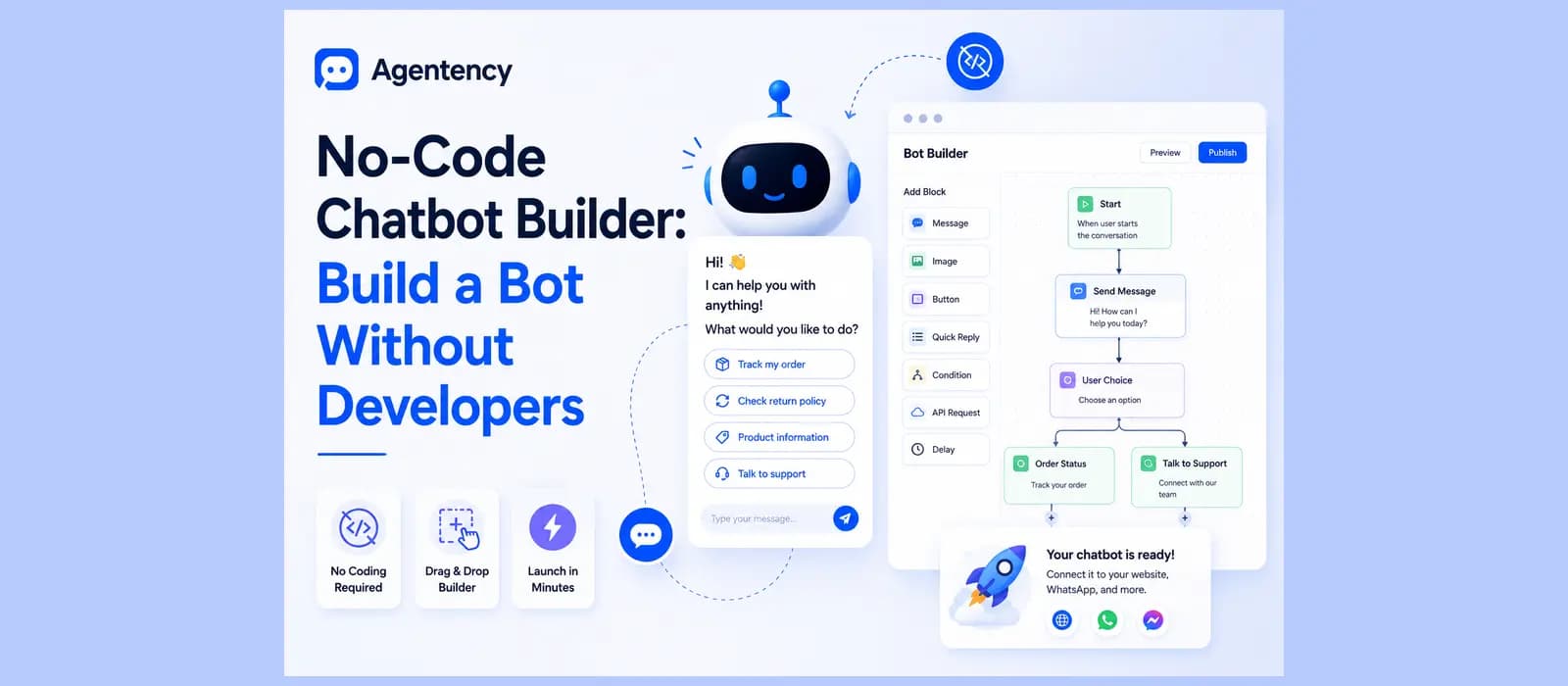
Name it, give it an avatar, write a welcome message and a fallback message for when it genuinely doesn't know something. None of this requires touching a stylesheet or writing a line of code, it's a form you fill in.
Test It Like a Skeptic
Ask it the real, messy version of the questions your customers actually type, typos included. Watch what happens when it doesn't know something. A good answer admits it plainly. A bad one guesses with total confidence, and that single test tells you more than any features page.
Launch and Watch the First Week
Go live, then actually check back. The first week teaches you more about the gaps in what you gave it than any amount of planning beforehand. Whatever it couldn't answer that week is your very first to-do list, not a sign anything went wrong.
How Agentency is the Best AI Chatbot for Your Website
Everything above is true of the category generally. Here's specifically what we built, since this is the part I can actually speak to firsthand.
A Widget That Matches Your Site, Not a Generic Box
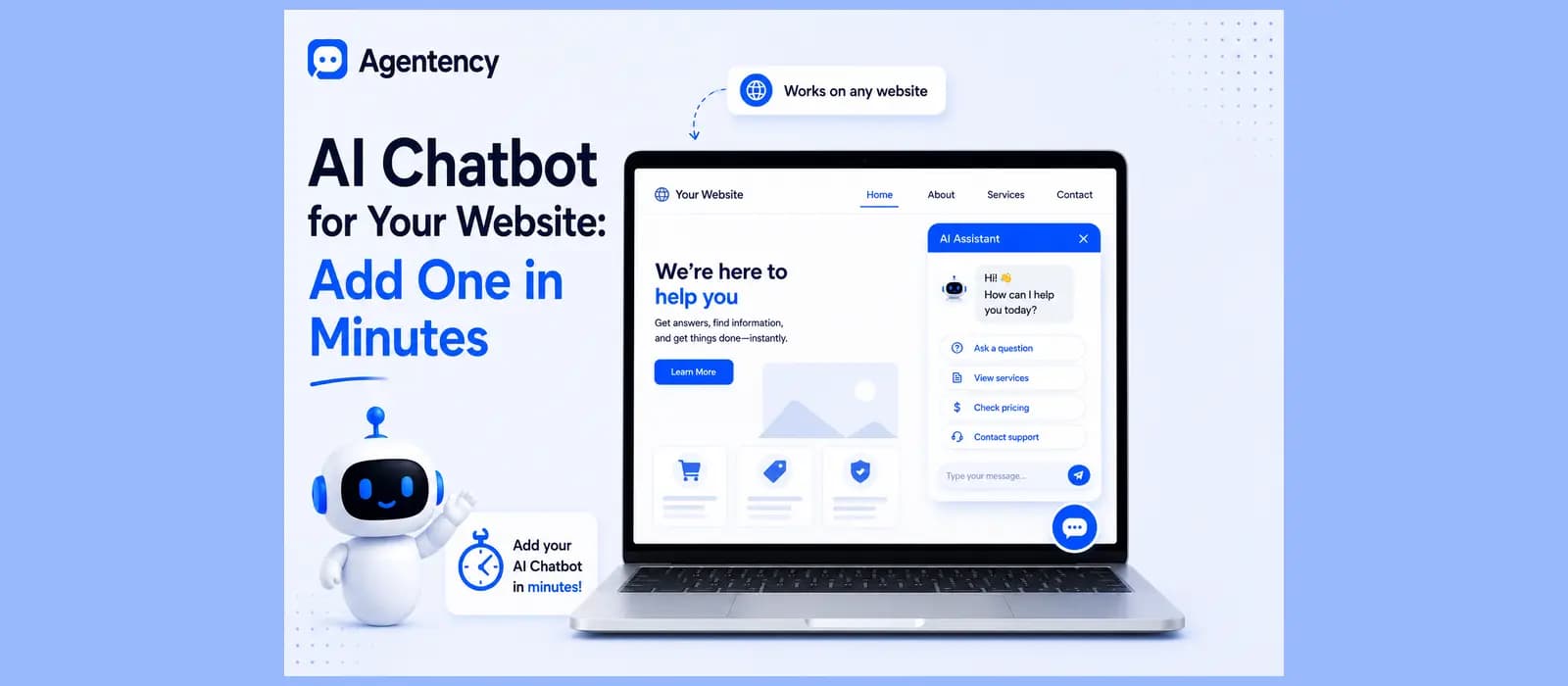
The embeddable widget picks up the agent's own colors, theme, font, and language, and works the same on mobile as it does on desktop. You're not bolting on someone else's default blue bubble, it looks like it was built for your site because you set it up that way, avatar, header style, and welcome message included.
Trained on What You Already Have, Not a Blank Slate
Point it at your website and it crawls the pages automatically, or upload documents directly, PDFs, spreadsheets, product sheets. OCR handles scanned files and Arabic PDFs too, so nothing gets left out just because it wasn't born as clean text.
It Answers and Acts, Not Just One or the Other
Beyond replying, the agent can look up an order, track a shipment, create a support ticket, push a lead into a CRM, or book a meeting, through roughly 31 ready made integration templates or a custom connection to almost anything else. This is the actual chatbot vs ai agent distinction made concrete, on your own site, not a definition on a page somewhere.
The Same Agent on WhatsApp, Not a Separate Build
Deploy the identical agent to WhatsApp, Instagram, and eight other messaging channels alongside your website widget, with the same knowledge and the same accuracy on every one. A lot of the world outside the US reaches businesses on WhatsApp first, not the website, and an agent that only lives in one place is only doing half its job. If your store runs on Shopify, WordPress, or a platform we haven't named yet, the same widget installs the same way, a copy paste snippet, not a custom build.
The Needs Attention Panel Closes the Habit Gap
Every question the agent couldn't answer shows up in one place in your dashboard, so you add the missing answer and it learns without anyone digging through raw chat transcripts. This is the same habit we've written about on the customer service chatbot pillar page, and it's the single biggest reason some chatbots keep improving while others quietly stall out after month one.
It Speaks Arabic Properly, Not as a Translation
The whole widget renders correctly right to left for Arabic and Urdu, not just the words inside a layout built for English, on top of ninety plus languages the agent replies in automatically based on how the customer writes. This was built in from the start, not added later, because a meaningful share of the merchants we work with serve Arabic speaking customers every day.
Pricing You Can Actually Predict
There's a free forever plan, one agent, fifty messages a month, enough to genuinely test the whole idea on your own site before paying anything. Paid plans start at nineteen dollars a month, and every tier includes a spend ceiling so a busy week can't quietly turn into a surprise bill.
Done reading? See what an ai chatbot for website looks like when it's actually yours. Start free.
Frequently asked questions
What is the best ai chatbot for website use?
There isn't one universal answer, and the best ai chatbot for your website specifically depends on your platform, your channels, and your volume, not a generic ranking. What matters more than any list is whether it actually reads your real content, covers the channels your customers use, and hands off cleanly when it hits its limits.
Is there a genuinely free ai chatbot for my website?
Yes, several platforms offer a real free tier capped at a workable number of conversations a month. Read the actual cap before assuming free means the same thing everywhere.
How much does an ai chatbot for a business website actually cost?
Free to start on most platforms, then roughly nineteen to a couple hundred dollars a month depending on volume once you're past the free tier. A fully custom build runs into the thousands and is rarely necessary.
Do I need coding skills to add a chatbot to my website?
No, not with a modern no-code platform. Most teams connect a channel and upload their existing content without writing a single line of code.