15 Customer Service Chatbot Use Cases and Examples
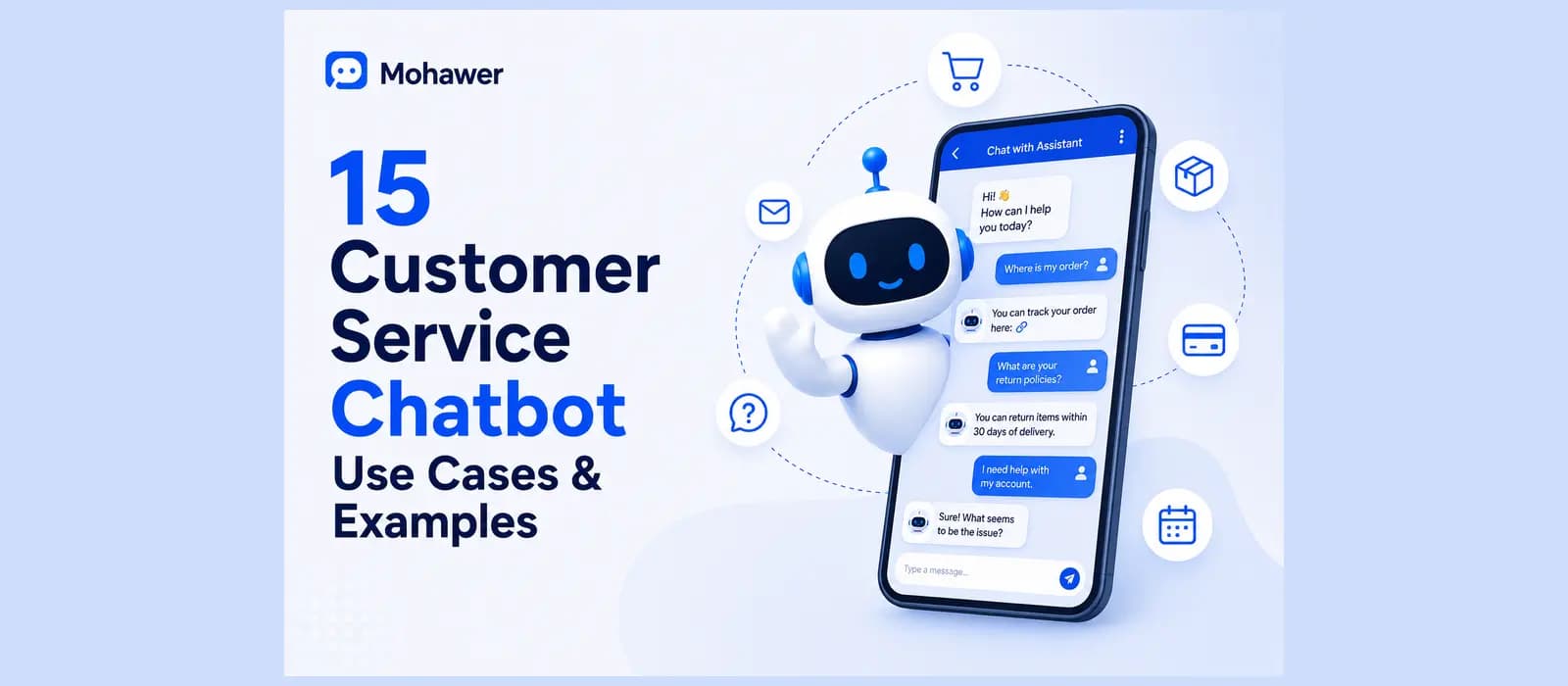
Type customer service chatbot use cases into Google and you get two kinds of pages. One kind lists nineteen industries and forty sub cases until the actual useful information drowns in an ocean of restaurant tipping and insurance underwriting. The other kind lists nine examples and calls it comprehensive. Neither tells you which of these actually matter for a real business.
Here are fifteen customer service chatbot use cases, grouped by what they actually solve, plus the two nobody bothers to write about, and an honest read on which ones carry real volume versus which ones just sound good on a features page.
People search this a dozen different ways, chatbot use cases for customer service, chatbot customer service use cases, ai chatbot use cases in customer service, whatever phrasing got you here. It's the same underlying question, and the answer below doesn't change based on the wording.
What a Customer Service Chatbot Use Case Actually Means
There are dozens of ways to write a customer service chatbot use case, but the honest version of the definition is short. A customer service chatbot use case is just a specific job the chatbot does, checking an order, resetting a password, answering a sizing question, rather than a vague description of "AI powered support." If a use case can't be described as one sentence a customer actually says out loud, it's probably not a real use case, it's a feature list item wearing a costume.
Most customer service use cases in general, whether a chatbot handles them or a person does, boil down to the same short list. What's changed is which ones a chatbot can now handle well without a human touching them at all.
See these use cases running on your own content instead of reading about them. Start free.
Order and Shipping
Order Status
A customer asks where their package is. The chatbot looks up the actual order and answers with a real status instead of a generic tracking link. Among ecommerce chatbot examples specifically, this single use case usually accounts for more conversation volume than everything else on this list combined.
Delivery Delays
A shipment is running late. Instead of the customer finding out by refreshing a tracking page for the tenth time, the chatbot proactively tells them, or answers honestly the moment they ask. Honesty matters more here than almost anywhere else on this list, since a chatbot that says "it's on the way" when it genuinely doesn't know is worse than one that says it can't confirm yet.
Returns and Refunds
A customer wants to send something back. The chatbot walks them through the actual policy and starts the process, rather than pointing them at a return policy page and hoping they read it. This is also where a chatbot connected to real order data earns its keep over a scripted one, since it can confirm the actual purchase date and whether the item still qualifies, instead of asking the customer to go find their own receipt.
Account and Access
Password Resets
One of the highest volume, lowest complexity tickets any support team handles. A chatbot that can actually walk someone through recovery in two minutes removes an entire category of ticket from your queue. This is usually the first use case worth setting up if you're picking a no-code chatbot builder and want fast proof it's working.
Account and Subscription Questions
What plan am I on, when does my subscription renew, can I change my billing cycle. All answerable from the actual account data, not a generic FAQ.
Updating Contact or Shipping Details
A customer moved, or typo'd their address at checkout. Handling this in the same conversation as the order question that triggered it saves a second ticket entirely, rather than making the customer open a whole new support request for something that came up naturally while checking their order.
Before the Purchase
Sizing and Fit Questions
Does this run small, what size should I get. Chatbot use cases in customer service that happen before checkout get less attention than post purchase support, but they prevent the return that would have generated three more tickets later.
Stock and Availability
Is this back in stock, when will it be. A chatbot connected to real inventory data answers this honestly instead of guessing, and can offer to notify the customer the moment it's back rather than losing the sale entirely to a competitor who happened to have it in stock that week.
Product Comparison
What's the difference between these two options. A chatbot that can pull real spec details from your actual product pages earns its keep here, a generic one just repeats the product description back.
These three pre purchase use cases get less attention in most articles on this topic than the post purchase ones, probably because "we helped someone before they bought" is harder to measure than "we resolved a ticket." But a sizing question answered well is a return that never happens, and a return that never happens is worth more than most support metrics give it credit for.
Keeping People Engaged
Greeting Messages
The first thing a customer sees. Covered properly below, since it deserves more than one line.
Proactive Nudges
A visitor's been sitting on a pricing page for two minutes without moving. A well timed, not annoying, chatbot message can be the difference between a bounce and a sale.
Post Purchase Feedback
Asking how something went, right after it happened, gets a far higher response rate than an email survey three days later that nobody opens.
Knowing When to Step Back
Human Handoff
A complaint that needs judgment, not a script. The chatbot recognizes its limit and hands off with the full conversation attached, so the customer doesn't repeat themselves.
Sentiment Triggered Escalation
A customer is getting frustrated, even if they haven't explicitly asked for a human yet. Recognizing that and escalating before it gets worse is worth more than most feature lists give it credit for.
Ticket Creation After Hours
Nobody's online at 2am, but the chatbot can still create a proper ticket with full context so your team isn't starting cold in the morning.
These three matter more than most articles on this topic admit, because a chatbot that gets this wrong actively damages trust rather than just failing to help. A bad handoff feels like starting over. A good one feels like the chatbot was actually paying attention the whole time.
The Ecommerce and WhatsApp Version of These Customer Service Chatbot Use Cases
Most of these fifteen use cases show up constantly in real e-commerce customer service chatbot examples, and the same fifteen apply almost unchanged to a general chatbot customer service examples list too, but almost none of the competitor content on this topic connects them to the channel where a huge share of the actual conversation happens. In a lot of the world outside the US, that channel is WhatsApp, not a website widget.
A shopper messages on WhatsApp asking about a delayed order. The same chatbot, same knowledge, same accuracy as the website version, answers there too, not a stripped down version bolted on as an afterthought. This matters more than most chatbot use cases ecommerce customer service articles let on, because a chatbot that only lives on your website is answering half your customers at best, and that gap shows up directly in your actual conversations dashboard as unanswered WhatsApp messages nobody's watching.
See what these use cases look like on WhatsApp, not just a website widget. Start free.
The Two Use Cases Nobody Talks About
The Greeting Message Is Its Own Use Case
Almost every article on customer service chatbot greeting examples treats the first message as an afterthought, a default "Hi, how can I help?" that nobody actually tests. It's worth more attention than that. A greeting that immediately signals what the chatbot can actually do, order status, returns, product questions, sets expectations honestly and gets fewer people typing something the bot was never built to answer. A vague greeting gets vague, off topic questions, and then a frustrated customer when the bot can't handle them.
Try this test on your own chatbot's current greeting, if you already have one. Read it as if you'd never seen your business before. Does it tell you anything real about what this chatbot can actually help with, or could it be pasted onto literally any company's website unchanged. If it's the second one, that's worth fixing before anything else on this list.
The Widget Interface Itself Is a Use Case
Good chatbot design examples and websites with good chatbots share one thing in common, a customer service chatbot interface example that matches your actual brand, colors, fonts, the avatar, feels like part of your business. One that's a generic blue bubble bolted onto your site feels like an afterthought, even if the AI behind it is excellent. This is the one use case that's entirely about trust before a single word gets typed, and it's genuinely underrated in every comparison we found while researching this piece.
Which of These Customer Service Chatbot Use Cases Actually Move a Support Queue
Not all fifteen carry equal weight. Order status, password resets, and returns are the three that show up constantly in real support inboxes, they're the actual high volume, low complexity tickets every business deals with regardless of industry. Sizing questions and stock checks matter enormously if you sell physical products and barely at all if you don't. Sentiment triggered escalation and proactive nudges are genuinely useful but they're refinements you add once the basics are working, not day one priorities.
A rough honest ranking, based on what actually shows up in real support inboxes rather than what sounds impressive on a features page. Tier one, build these first: order status, password resets, returns. Tier two, add once tier one is working well: sizing or product questions, account changes, greeting message quality. Tier three, genuinely useful refinements, not starting points: sentiment escalation, proactive nudges, feedback collection.
If you're setting one of these up for the first time, start with whichever three or four of these fifteen actually match the real questions in your own inbox this week, not the full list. We wrote a full breakdown of what a customer service chatbot actually is and how to evaluate one properly, worth reading before you commit to building any of these.
How Agentency Tackles This
Everything above is general advice about the category. Here's specifically what we built, since this is the part I can actually speak to firsthand.
Every Use Case Above, Answered From Your Real Content
The agent reads your actual order data, product pages, and policies through a two stage retrieval pipeline, not a generic script. Order status, sizing, stock checks, all of it comes from what you actually uploaded or connected, through roughly 31 ready made integration templates for the platforms you're already running.
The Greeting and the Widget, Set Up in Minutes
Write the welcome message and pick the avatar, header color, and font as part of the same guided setup that builds the whole agent, not a separate afterthought step. The widget matches your brand automatically, not a generic blue box.
The Same Fifteen Use Cases on WhatsApp, Not Just the Website
Deploy the identical agent to WhatsApp, Instagram, and eight other messaging channels alongside your website widget, same knowledge, same accuracy. If you're running an ecommerce store specifically, this is where most of the real conversation volume actually lives.
The Needs Attention Panel Shows You What's Actually Being Asked
Every question the agent couldn't answer shows up in one place in your dashboard, alongside your real resolution rate and response time. You find out which of these fifteen use cases your own customers actually care about, not which ones a listicle assumed they would.
Human Handoff With the Full Conversation Attached
When a complaint needs judgment, the agent flags it and hands your team everything that's already been said, so nobody starts cold. This is what separates a real handoff from the "sorry, please contact support" dead end most of the best ai chatbot for customer service comparisons warn against.
Pricing You Can Actually Predict
There's a free forever plan, one agent, fifty messages a month, enough to test several of these fifteen use cases on your own content before paying anything. Full pricing details are worth checking directly, since every tier includes a spend ceiling so testing customer service chatbot use cases on your own account doesn't turn into a surprise bill.
See which of these fifteen use cases actually matter for your business. Start free.
Frequently asked questions
What is the use of chatbot in customer service?
Mainly answering the repetitive, high volume questions, order status, password resets, returns, instantly and outside business hours, freeing actual people for the conversations that need judgment rather than a lookup.
What is a common use case of chatbots?
Order status and shipping questions are the single most common customer service chatbot use case across almost every industry, since it's the question customers ask most regardless of what a business actually sells.
What are the use cases for customer support AI?
The fifteen covered above, order and shipping, account and access, pre purchase questions, engagement, and knowing when to hand off to a human, cover the large majority of what a real support inbox deals with day to day.
What are 5 examples of customer service chatbot use cases?
Order status lookups, password resets, sizing questions, proactive nudges on a pricing page, and human handoff for complaints that need real judgment, are five of the fifteen customer service chatbot use cases covered in detail above.